
Smart Planning With Safe Screen Placement From One Home to Another
Moving to a new home comes with many details that affect comfort. One overlooked task is how the television fits into the new space. Screen size, wall type, and room layout all matter. Poor planning can lead to damage, bad viewing angles, or unsafe installs. Thinking ahead saves time and helps avoid stress after the move. With the right steps, you protect your screen and enjoy better viewing from day one.
Why Professional Screen Installation Matters With Relocation
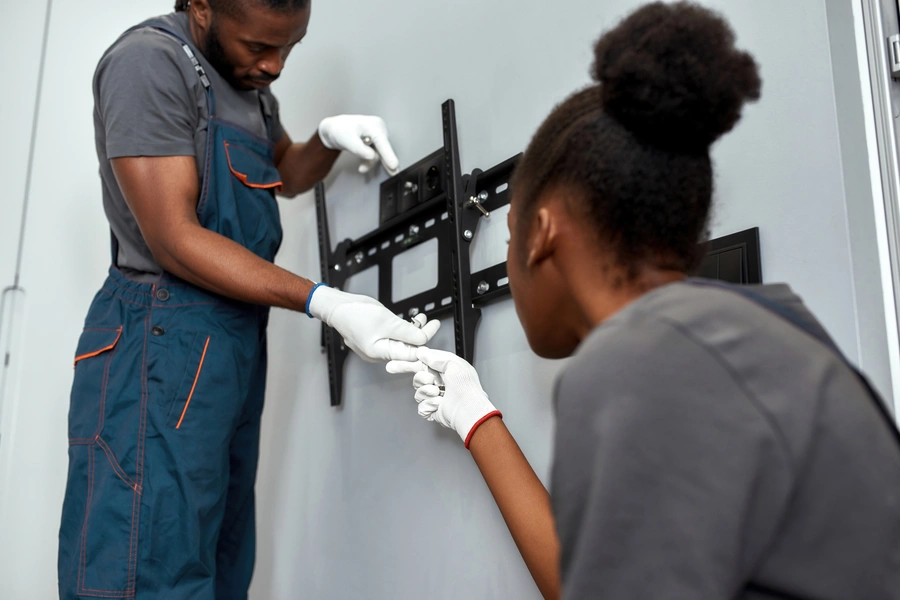
Hiring help for tv mounting during a move reduces risk and saves time. Large screens crack easily during handling and setup. Experts know how to secure brackets to studs and masonry walls. They also manage wire paths to lower trip hazards. A solid install protects children and pets from tip risks. Many households move with screens over 55 inches. These sizes need precise support to meet safety guidelines.
- Reduces screen damage during setup
- Improves safety through proper anchoring
- Saves time after unpacking ends
Common Problems People Face When Reinstalling Screens
Many people try tv mounting without proper tools or planning. They face uneven walls, hidden pipes, and weak anchors. Drywall alone cannot hold heavy screens. Wrong height causes neck strain during long viewing. Poor cable planning leads to messy walls. These problems often force a second install. That adds cost and frustration after a busy move.
- Walls without studs in ideal positions
- Incorrect screen height for seating distance
- Exposed or tangled power and HDMI cables
Step by Step Process That Protects Screens and Walls
A clear plan helps reduce mistakes during reinstallation. The process starts before boxes even arrive. Measure screen size and room dimensions early. Choose brackets rated for weight and motion needs. Confirm wall material type before drilling. This approach lowers the chance of rework later.
- Inspect the new room layout and seating position
- Locate studs or solid mounting points
- Attach bracket and test weight support
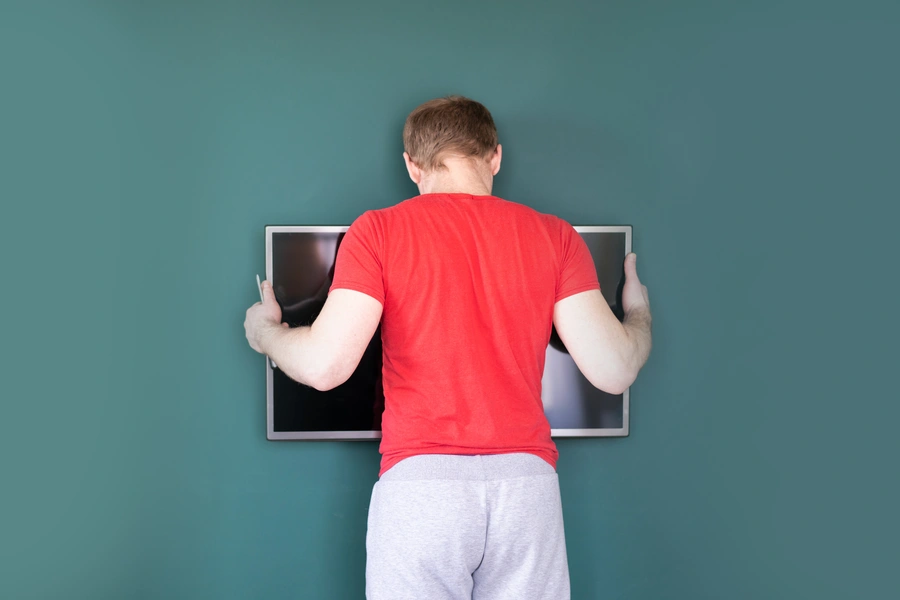
- Hang screen and adjust viewing angle
Best Practices That Improve Viewing Comfort and Safety
Experts follow simple rules that improve daily use. Screen center should sit near eye level when seated. Tilt features help reduce glare from windows. Cable covers keep wires hidden and safe. Using surge protection guards electronics from power spikes. These steps improve comfort and extend screen life.
- Mount screens 42 to 48 inches from floor center
- Use tilt mounts for rooms with bright windows
- Add surge protectors behind the wall
Standards and Safety Rules Worth Knowing Before Setup
Industry guidelines focus on load ratings and secure anchors. Brackets list maximum weight and screen size. Following these limits prevents failure. Local building codes may affect wall drilling in apartments. Some HOAs require approval for wall changes. Understanding these rules prevents fines or forced removal later.
- Use brackets rated above the screen weight
- Anchor into studs or concrete surfaces
- Check lease or HOA rules before drilling
Cost Factors and Value Over Time
Costs vary based on screen size and wall type. Basic installs often cost less than repairs from a fall. Added features like in-wall wiring raise price but add value. A clean setup can improve resale appeal. Many buyers notice organized media spaces. Spending more upfront often saves money later.
Schedule Expert Help With Confident Screen Setup
Located in Williamsburg, VA, we support smooth moves with safe screen placement solutions. U Call We Haul Moving & Cleaning Co LLC focuses on careful planning, secure installs, and clean results. Our crews handle brackets, wiring, and wall checks with care. Call (757) 930-5520 to plan service before move-in day. We help households settle in with comfort and safety in mind.